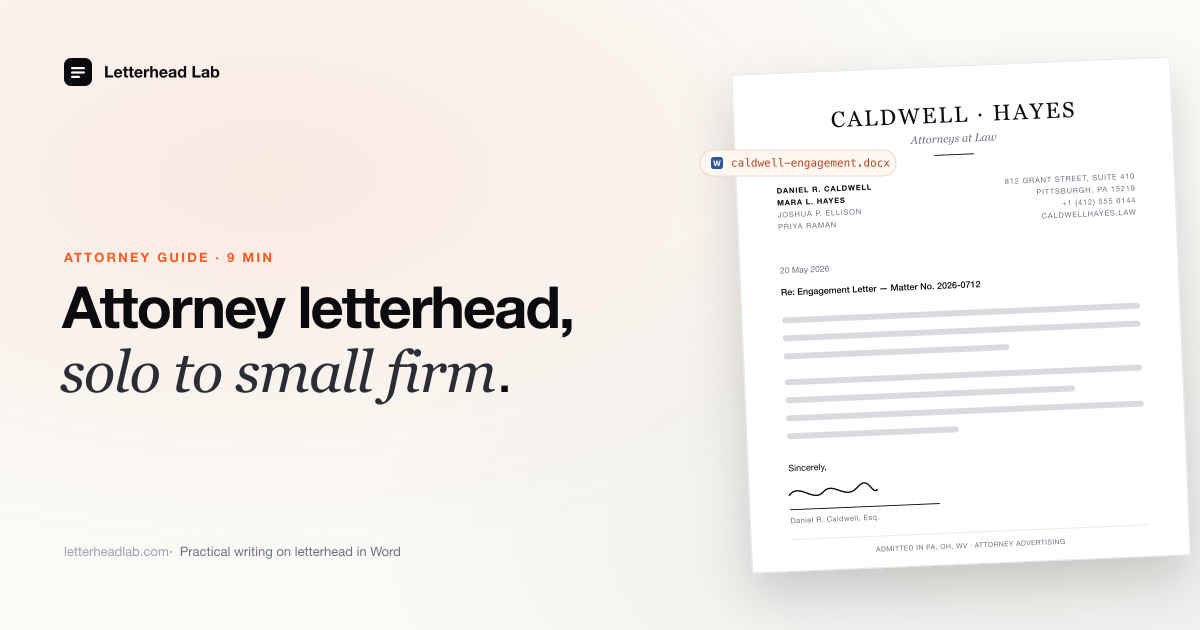
For an attorney working solo or in a small partnership, letterhead is the firm. There is no marketing department behind it, no brand book, no associate to catch a misaligned logo before the letter goes out. Every letter that leaves the practice is signed personally, and the letterhead it sits on is the closest thing the firm has to a uniform. This guide is the attorney-side companion to our broader law firm letterhead guide — the same operating model, narrowed to the realities of a one- or two-attorney practice that has to run lean and still look like a firm.
What an attorney letterhead actually needs
Attorney letterhead is a working document, not a brochure. The information on it has to support correspondence that may end up in a file, in evidence, or in front of opposing counsel — so the basics carry more weight than the styling.
The conventional elements are the firm name, the attorney's name (often with credentials such as Esq. or J.D.), the office address, a direct phone, and an email. Most attorney letterheads also include a bar admission line — the jurisdictions in which the attorney is licensed to practice — and many include a fax number even now, because some courts and counsel still use one.
Where the practice involves client funds, a footer reference to an IOLTA or trust account, or a confidentiality notice, is common. None of this is universal: bar associations differ on what they require versus permit on attorney correspondence, and a few jurisdictions have specific rules about how firm names with non-attorney words or out-of-state attorneys must be presented. Confirm what your bar requires before you commit to a design. The conventions above are starting points, not legal advice.
The point is that the letterhead is dense with practical detail. If the design is right but the bar admission line is wrong, the letterhead fails as a working document. Both have to be right at the same time.
Engagement letters on letterhead
The engagement letter is usually the first formal document a new client sees from the firm. It sets scope, fees, and the basis of the relationship — and it is read carefully, often by the client's own advisors before they sign.
A solo attorney sends engagement letters constantly relative to firm size. Every new matter starts with one. If each is assembled by hand on a blank document with the letterhead pasted in, the firm's identity drifts: this version uses the old address, that one has the logo nudged, the third has the bar admission line on the wrong row. None of those errors are fatal, but they suggest a practice that does not control its own output — which is the opposite of what an engagement letter is supposed to communicate.
The fix is to build the engagement letter as a template once, on the correctly converted letterhead, and reuse it. The body holds your standard engagement language; the letterhead above it is fixed and right. Our page on engagement letters on the firm's letterhead walks through how the template fits together.
Demand letters on letterhead
A demand letter has one job: to read as a serious, considered position from a firm that intends to follow through. A demand on correctly rendered letterhead reads as the firm; the same words in a bare Word document read as a draft someone forgot to format.
For a solo or small firm, demand letters are also a volume document. Collections work, pre-litigation notices, lease enforcement, IP cease-and-desists — across a practice these add up to many letters a year, and each one has to look like it came from the firm rather than from a template some vendor sold the attorney. The right approach is the same as for engagement letters: convert the designed letterhead into Word once, save it as a template, and start every demand from that file. Our demand letter template page covers the workflow specifically.
Opinion letters on letterhead
Opinion letters are the most formal correspondence most attorneys produce. The firm goes on the record that a transaction, structure, or position is sound — often for a counterparty, regulator, or lender who will rely on it. They are reviewed line by line and frequently kept on file for years.
That formality flows back into the letterhead. An opinion letter on a slightly-off letterhead — a substituted font, a margin clipping the logo, a continuation header missing on page four — undermines the document before its first paragraph is read. The letterhead has to be exact, and it has to hold across whatever length the opinion runs to, including the continuation header on later pages.
This is the case where the conversion route matters most. A generic PDF-to-Word converter will try to make the logo editable and destroy it in the process; the right tool keeps the artwork locked into the header at print resolution while the body remains clean for typing. See our opinion letter on letterhead page for the specific setup.
The solo and small-firm angle
A solo or two-attorney practice does not have an operations team. The partner is also the IT person, the office manager, and frequently the person typing the letter. Whatever workflow exists has to be one the attorney can set up once, in an evening, and rely on for years.
That actually argues for being more deliberate about letterhead, not less. In a large firm, a sloppy template can be caught downstream; in a solo practice, whatever the attorney saves to their desktop is what goes to the client. The good news is that the same .dotx template model that scales to a hundred-lawyer firm works just as well for one attorney — the template lives in your local Word templates folder or on iCloud or OneDrive, you open it to draft a letter, save the letter as its own file, and the master template is never touched. See our attorney letterhead in Word page for the solo-specific setup.
The other reality of a solo practice is client confidentiality. The letterhead PDF that the firm's designer or stationer prepared may itself reflect the practice — partners, practice areas, address. Uploading it to a generic online converter sends that file to a third-party server. For an attorney bound by professional confidentiality obligations, the conversion route is worth thinking about, not just the resulting document. A browser-based conversion processes the PDF locally and never transmits the file anywhere — your PDF stays in your browser. That removes the question entirely.
Multi-office and multi-letterhead practices
Some small firms run more than one letterhead. Two attorneys with separate practice groups may each have their own; a satellite office may run a different address block; an of-counsel arrangement may produce a third variant. Converting these one by one ends with mismatched files in slightly different folders.
The efficient route is to put each letterhead on its own page of a single PDF and convert them together. The Multi-page bundle at $49 flat handles up to ten letterheads in one pass and returns each as its own file, ready to drop into a shared template folder. A two-attorney firm with separate letterheads, plus a slimmer continuation header version, plus an A4 variant for international correspondence, can be set up in one sitting. The law office letterhead in Word page covers the multi-letterhead workflow.
Actually getting the letterhead into Word
There are two routes. You can rebuild the letterhead inside Word by hand — the long way around, documented step by step here — or you can convert the PDF directly. The hand route is a 45-minute job for someone who knows Word's header model well, and it has to be redone every time the letterhead changes.
The faster route is to convert the PDF straight to a Word .docx — the artwork is placed into Word's header and footer at print resolution, the body is left clean and editable, and the file comes back in about a minute. If you want both the working .docx and the .dotx template, plus US Letter and A4 sizes and the continuation header configured, the letterhead to Word template option packages all of that together.
Either route, the end state is the same: a Word file where the attorney's letterhead is pixel-identical to the designed PDF, the body is a clean typing surface, and any document drafted from it carries the firm's identity correctly. From there it is a .dotx save into your Custom Office Templates folder and you are done — the same operating model described in the law firm letterhead guide, without the firm-wide overhead.
When to use engraved stationery instead
There is a category of attorney correspondence where a Word printout, however well rendered, is not the right answer. A condolence letter, a personal cover note to senior counsel, a formal introduction to a court — these are the documents where engraved letterhead on rag paper says something a printed page cannot.
A solo practice does not need a cabinet full of engraved stationery, but most established practices keep a small reserve for the few letters a year that warrant it. Our partner Wells & Drew has produced engraved stationery since 1855 and works with attorneys at any scale — request a quote through their page on this site. The Word letterhead handles the daily correspondence; the engraved sheets handle the rare letters where the medium is part of the message.
A practical close
For a solo or small-firm attorney, letterhead is not a brand exercise. It is a working document that has to be correct on every letter — engagement letters, demand letters, opinion letters, and the daily correspondence in between — without absorbing time the practice does not have.
Convert the designed PDF into a Word file with the artwork in the header and footer, save it as a .dotx template in a location you actually open from, and draft from copies. Confirm the bar admission and disclaimer language with your jurisdiction, keep the conversion local so client-sensitive PDFs do not leave the machine, and set up a continuation header so longer documents hold together. Done once, the letterhead stops being something the attorney has to think about — it simply is right, on every letter the practice sends.
Pricing for the conversion is concrete: $19 per page on the Single tier, $49 flat for the Multi-page bundle up to ten pages — useful when a small firm is setting up several letterhead variants at once. The preview is free; payment is only required at download, and the PDF never leaves the browser. The law firms hub collects everything that goes beyond what this guide covers.
Frequently asked questions
- What information should an attorney letterhead include?
The conventional elements are the firm name, the attorney's name with credentials, the office address, direct phone, email, and a bar admission line stating the jurisdictions of practice. Many letterheads also include a fax number, an IOLTA or trust-account reference where relevant, and a confidentiality notice. Specific requirements vary by jurisdiction — confirm what your bar requires.
- How does a solo attorney keep letterhead consistent without an operations team?
By converting the letterhead into a
.dotxtemplate once and saving it to the Custom Office Templates folder or a cloud-synced location. Every new letter is drafted from a copy of that template, so the letterhead is identical on every document without the attorney having to format anything.- Is the attorney's letterhead PDF uploaded during conversion?
No. A browser-based conversion processes the PDF locally on your device — the file is never transmitted to a server. That matters for attorneys, where the letterhead itself may touch client confidentiality and the conversion route is part of what a risk-conscious practice should think about.
- When is engraved letterhead worth using instead of Word?
For the small number of letters a year where the tactile object matters — condolence notes, formal introductions, founding-partner correspondence, certain court-facing letters. A Word letterhead handles the daily volume; engraved stationery, available through partners like Wells & Drew, handles the rare letters where the medium is part of the message.