Blog
Practical writing on getting a designed PDF letterhead into an editable Word document.

Word vs Google Docs Letterhead: Platform Breakdown
Word vs Google Docs letterhead: exactly where Google Docs breaks under real team conditions and why Word's .dotx format holds format across multiple users.

Word Letterhead Template for Nonprofits
Build one .dotx letterhead template that locks compliance disclosures, protects your brand, and survives rotating volunteers. Plain steps for nonprofits.

Word Letterhead Template for Consultants
Manage multiple client brands in Word without the chaos. One .dotx per client, converted correctly, locked, and stored right.

Word Letterhead Template for Attorneys: Done Right
Margins, service-line blocks, and signature blocks built correctly in a .dotx attorney letterhead template. One setup, no reformatting per letter.

Letterhead in Word Keeps Moving: Permanent Fix
Logo drifting across printers? Learn the four root causes of shifting letterhead in Word and the exact steps to anchor artwork for good.

Word Letterhead Template for Schools: Dept Specs
Word letterhead template for schools: margins, multi-department .dotx setup, deployment options, and how to convert a PDF without rebuilding it by hand.
Word Letterhead Not Printing: Fix the Blank Header
Your Word letterhead looks fine on screen but prints blank. Here are the four settings and geometry fixes that stop header images from reaching the page.

Word Letterhead Template for Architects
Page size math, logo resolution, and header geometry for architects building a Word letterhead template across A4, Letter, and A3 formats.

Word Letterhead Template for Accountants
Margins, logo placement, and credential footers for accounting firm Word letterhead templates. Convert your PDF letterhead into a proper .dotx file.

Letterhead Header in Word: Image vs. Text Box
Header image or text box for your Word letterhead? See which container holds across printers and machines, and how to combine both in a proper .dotx template.

Letterhead Page Border Word: Use the Header Instead
Word's page border clips, shifts, and breaks on export. Here's why a header image is the only reliable layer for letterhead in Word.

Word Letterhead Template for Churches: Exact Specs
Exact page margins, header geometry, and locking steps for a word letterhead template for churches. Convert your existing PDF in minutes.
Word Letterhead Template for Small Business: Exact Specs
Get the exact margins, header height, and resolution your word letterhead template for small business needs to print correctly every time.

Letterhead Template Word vs. InDesign
InDesign builds the artwork. Word runs the office. Here's why law firms need both formats — and how to bridge the gap without rebuilding the design.

Word Letterhead Template for Medical Practices
Build a compliant Word letterhead template for your medical practice: header geometry, locked footers, multi-provider setup, and PDF conversion explained.

Scale Letterhead Logo in Word: A Geometry Guide
Learn to scale letterhead logo in Word without stretching or drift. Set absolute size, lock aspect ratio, and anchor to the page in the right order.

Update Letterhead Template in Word: Two Fixes
Editing a .dotx doesn't update old letters. Here's how to fix the template file and handle existing documents — two separate problems, solved clearly.
Word Letterhead Template for Real Estate
Build one .dotx Word letterhead template for your brokerage. Every agent, every offer letter, consistent design — no reformatting, no logo drift.
Print Letterhead vs Word Template: Cost Per Page
See the real cost-per-page math on print letterhead vs a Word template, with break-even points, hidden rework costs, and when each format makes sense.
Letterhead Color Accuracy Word: Stop Color Shift
Brand colors drifting in your Word letterhead? Learn why colors shift across screen, Word, and print — and four steps to lock color accuracy for good.
Letterhead Footer Word: Lock Your Address Line
Footer address drifting or vanishing in Word? Fix it with three settings: footer distance, bottom margin, and section breaks. Step-by-step guide.

Word Envelope Letterhead Template: Geometry Guide
Learn the exact geometry, artwork placement, and margin rules for a Word envelope letterhead template — and when to pull assets from your .dotx file.

Letterhead Image Resolution Word: Fix Blurry Logos for Good
Fix blurry logos in Word letterhead headers. Learn what DPI your source file needs and how letterhead image resolution Word settings affect print quality.

Word Header vs Watermark Letterhead: Choose Before You Build
Word header vs watermark letterhead: one drifts, clips, and breaks. See what each layer does to your artwork before you build the template.

Letterhead on Second Page Word: Reduced or Blank?
Should letterhead on second page Word carry a reduced header or nothing? Here's how to decide and set it up correctly in Word.

Save Word Letterhead as PDF: Export Settings
Stop logos shifting and colors breaking. These exact Word export settings keep your letterhead design intact every time you save to PDF.

Shared Word Letterhead Template: 3 Ways to Deploy
Shared drive, Building Blocks, or admin deploy — three concrete ways to get a Word letterhead template on every desk and keep it there.

Letterhead Header Height Word: A Geometry Fix
Set letterhead header height in Word correctly: measure your artwork, match the distance-from-edge, and stop clipping, overlap, and print errors for good.

Letterhead First Page Only Word: How It Works
The "Different First Page" checkbox controls whether your letterhead repeats. Here is exactly what it does and how to set it correctly in Word.

Letterhead PDF Won't Let Me Type: The Real Fix
Your letterhead PDF won't let you type because it was never built for it. Learn why, and how a Word template solves the problem for good.

Engraved Letterhead Stationery vs. Word Templates
Engraved stationery and Word templates serve different jobs. Learn when to use each and how to carry your engraved design into a proper Word template.
-
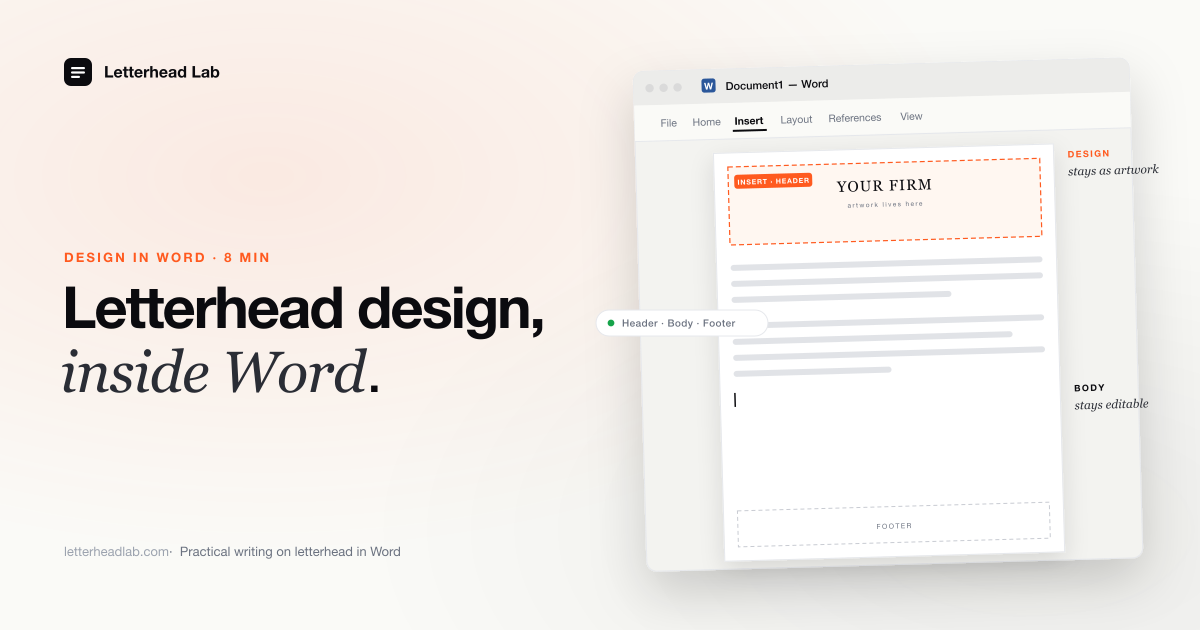
Letterhead design in Word — what Word can and cannot do
Word's headers, type, and rules can carry a letterhead design — but it is a word processor, not a design tool. A clear-eyed look at what Word does well, where it struggles, and when to hand the design to a stationer instead.
-
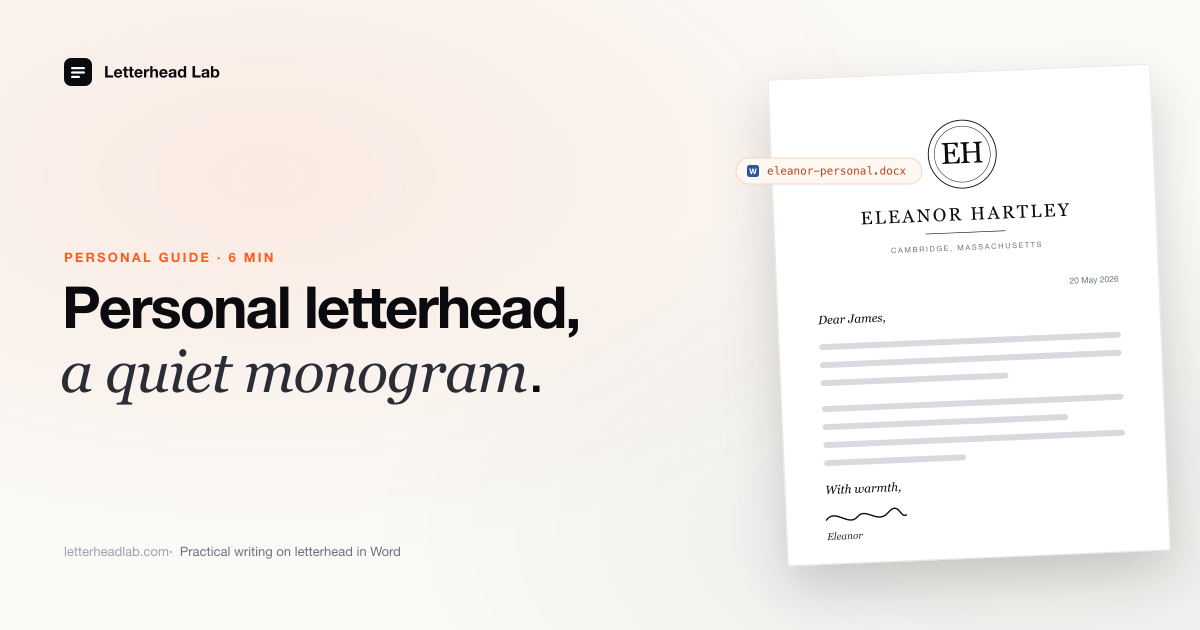
The personal letterhead guide
Personal letterhead — a monogram, a family mark, an engraver's plate — and how it actually gets used in Word for the personal correspondence that still belongs on letterhead.
-
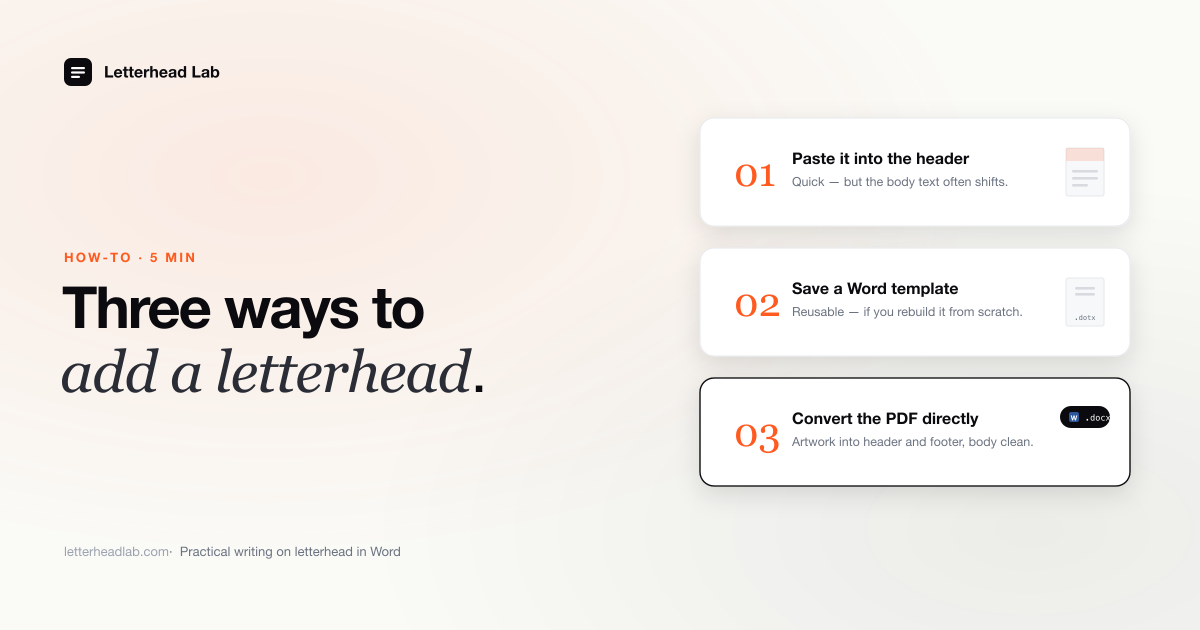
How to add a letterhead to a Word document
Three ways to add a letterhead to a Word document — image in the header, a template, or a converted PDF — plus adding one to a finished letter and the Mac steps.
-
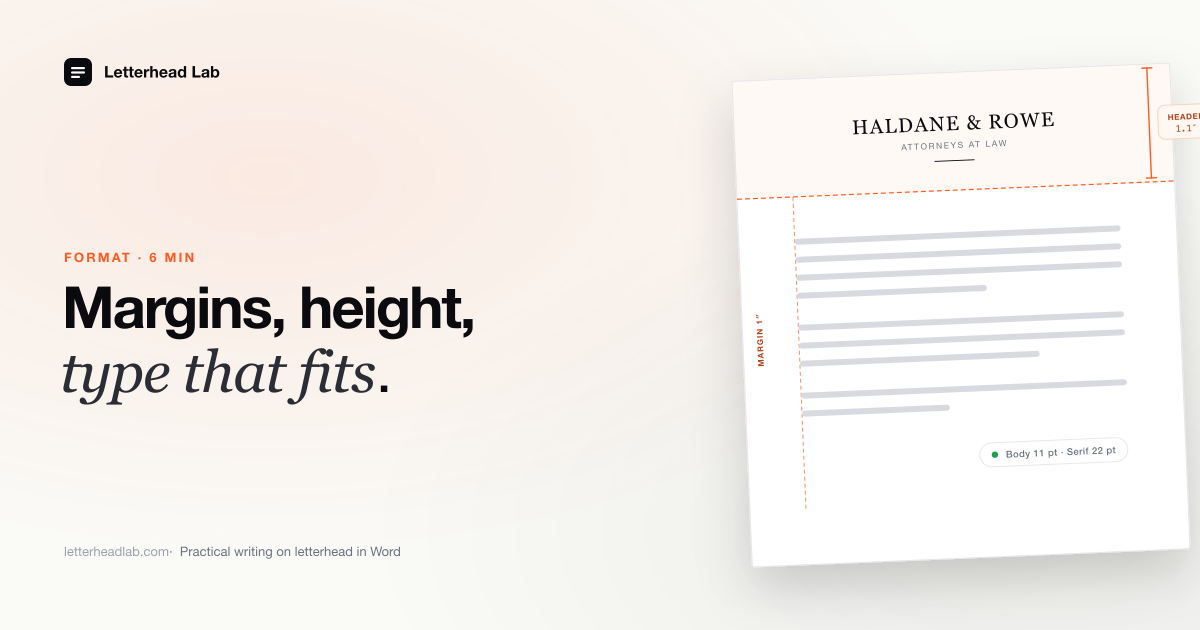
Letterhead format in Word — the rules that actually matter
Margins, header and footer heights, type sizes, address-line tracking — the format rules a letterhead in Word should follow, and why.
-
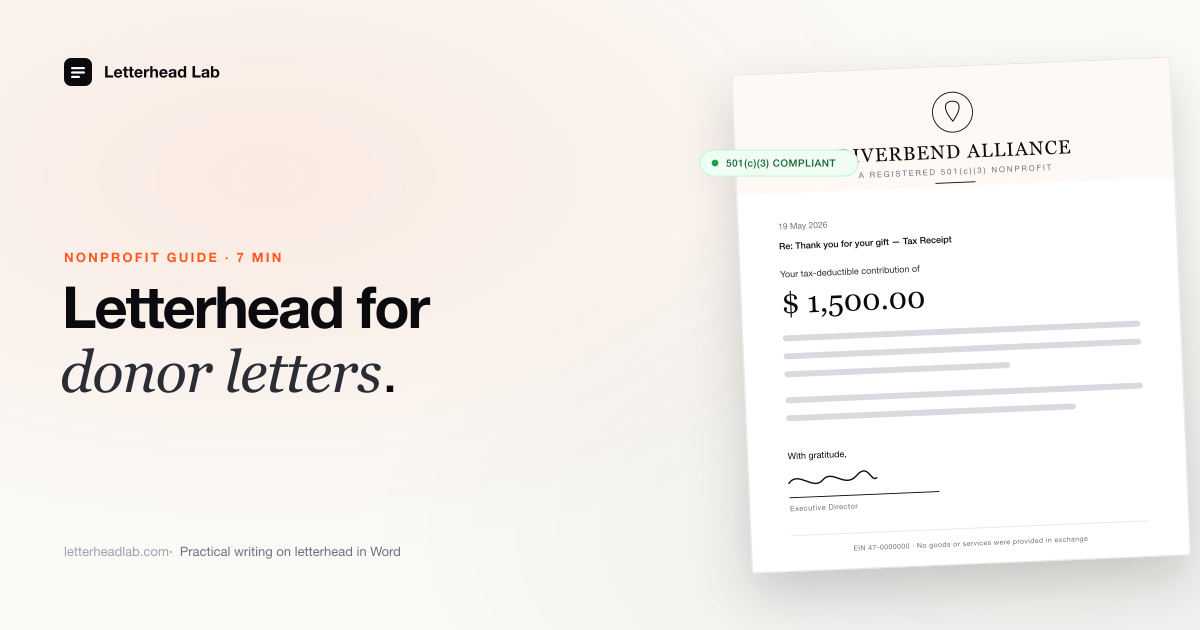
The nonprofit letterhead guide
How nonprofits put a designed letterhead to work in Word — donor letters, grant correspondence, board communications, and 501(c)(3) tax receipts.
-
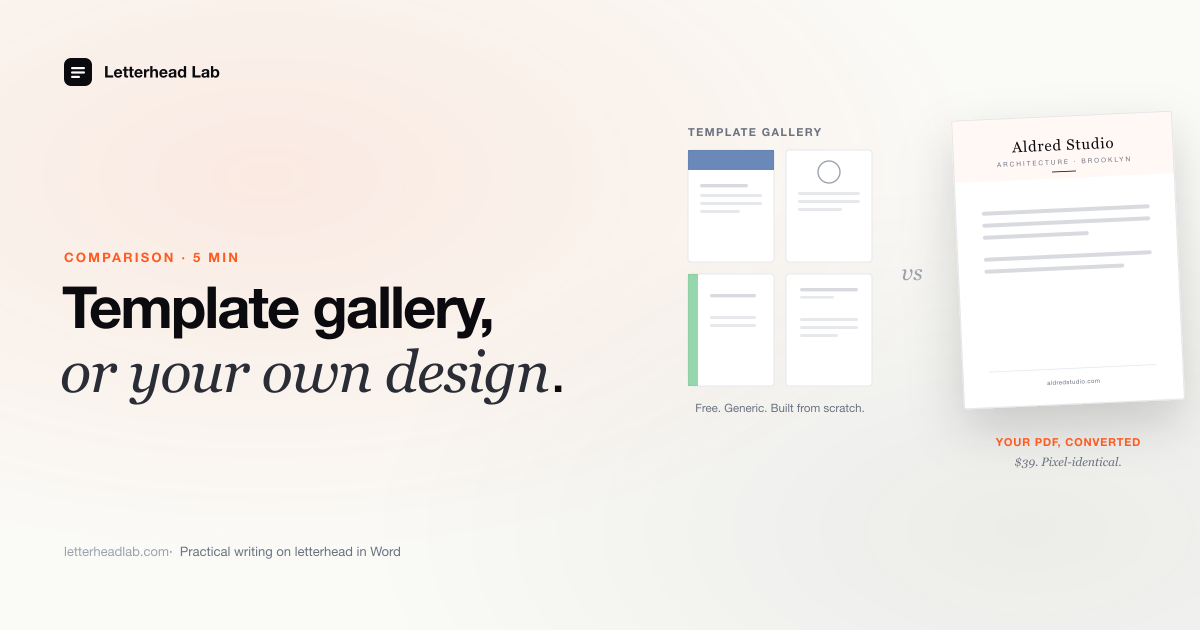
Word letterhead template vs. converting your own
A Word letterhead template gallery is fine for a generic letterhead. If you already have a designed one, converting it is the better path. Here is the comparison.
-
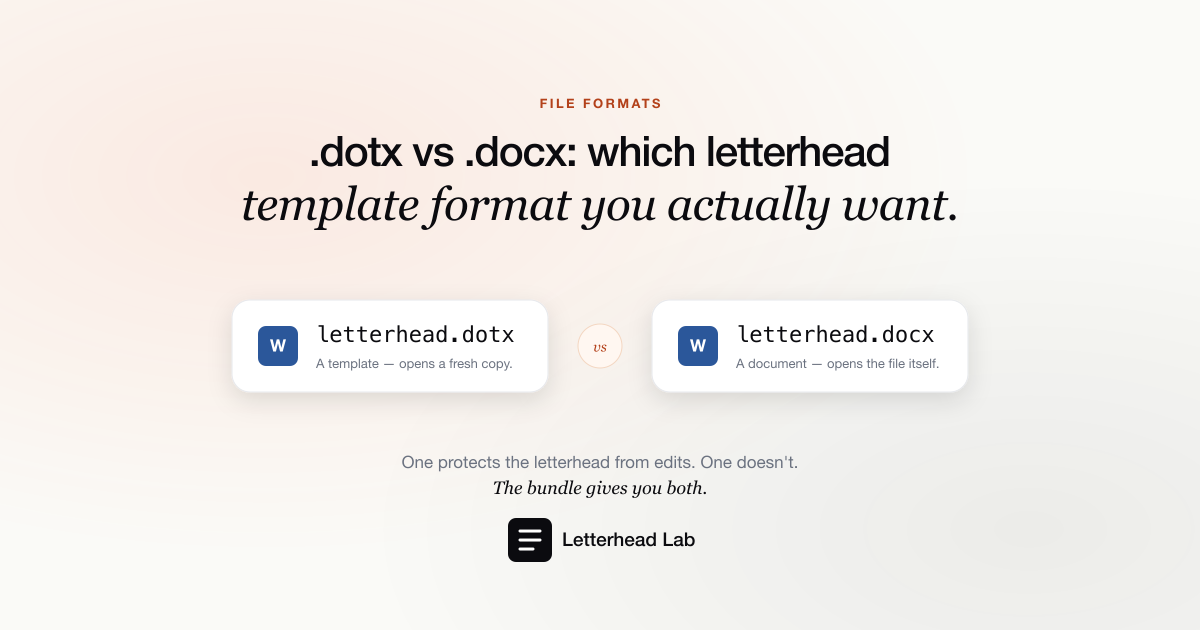
.dotx vs .docx: which letterhead template format you actually want
A .docx and a .dotx both hold your letterhead. The difference is what happens when someone opens the file — and for a shared template, that difference matters.
-
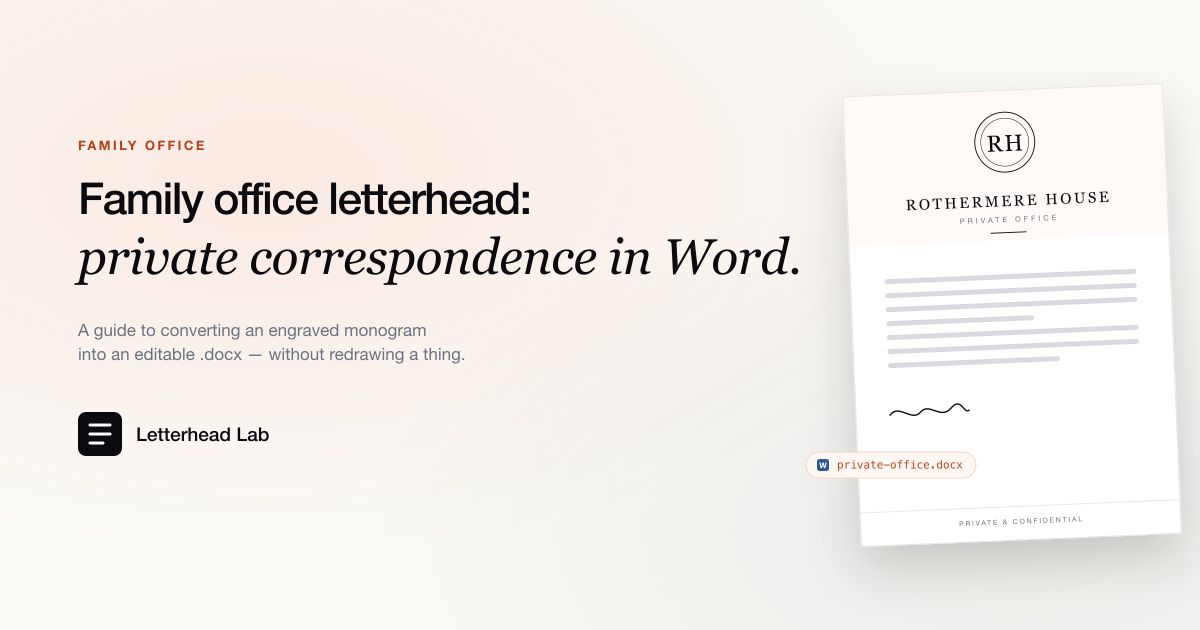
Family office letterhead: a guide to private correspondence in Word
How a family office puts its trust, foundation, business, and personal letterheads into Word — so every letter goes out on the right one, correctly.
-
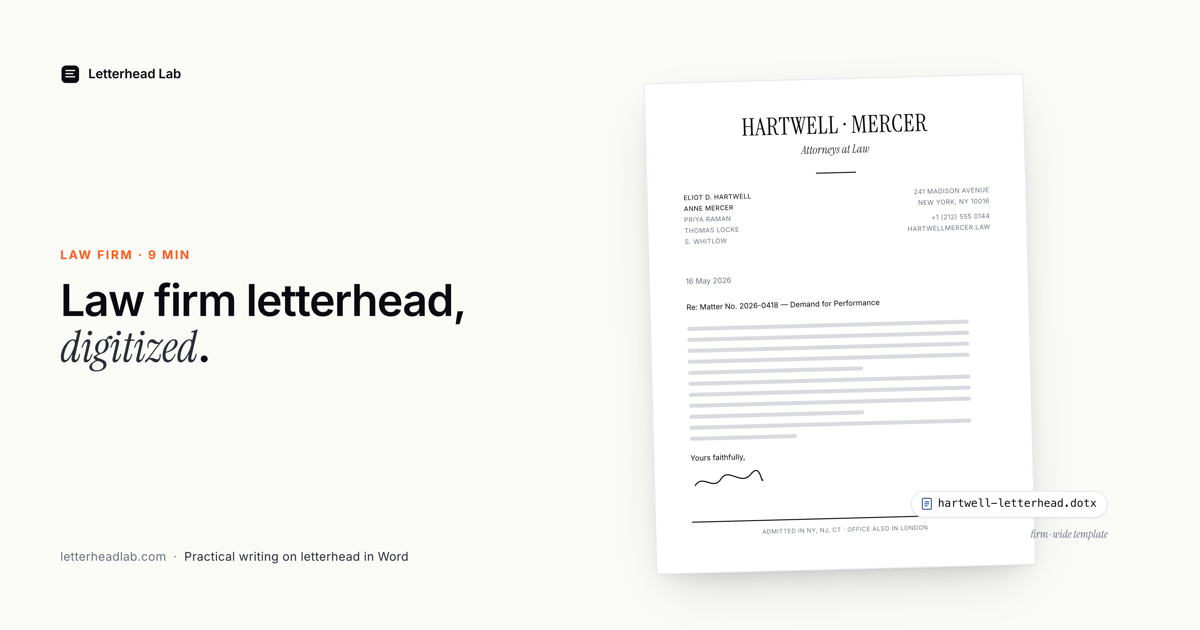
Law firm and attorney letterhead: a guide to digital correspondence
What a law firm or attorney letterhead must include, and how to run it in Word for demand, engagement and opinion letters, from solo practice to firm-wide.
-
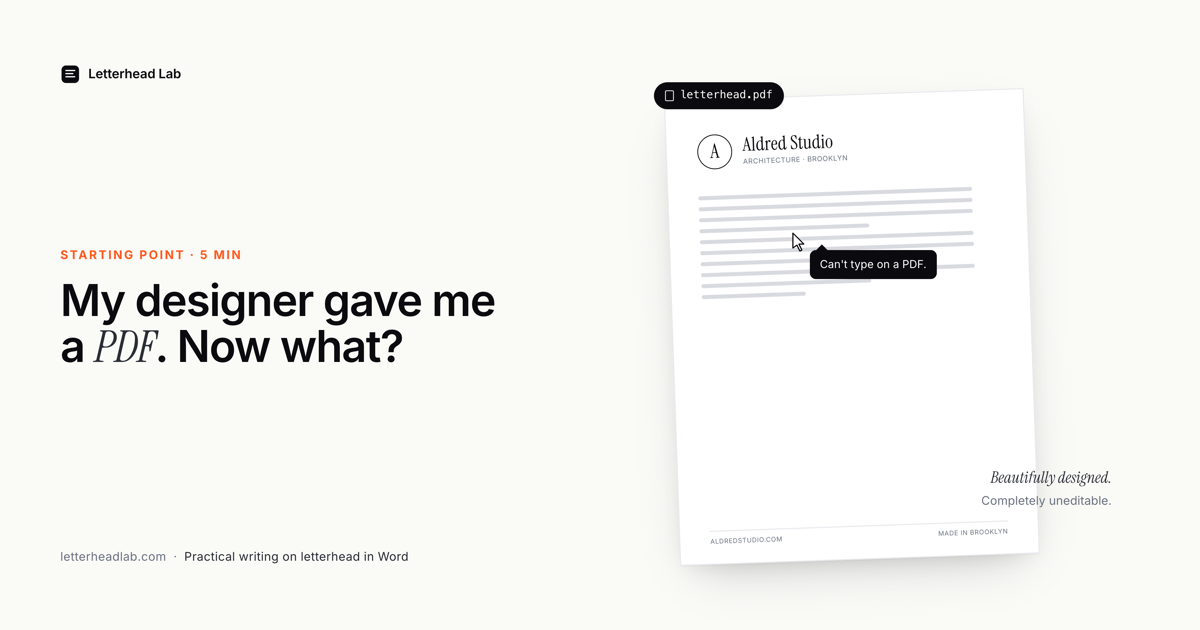
My designer gave me a PDF letterhead. Now what?
You paid for a beautiful letterhead. It arrived as a PDF. You can't actually type on a PDF. Here's what most people don't know about getting it into Word.
-
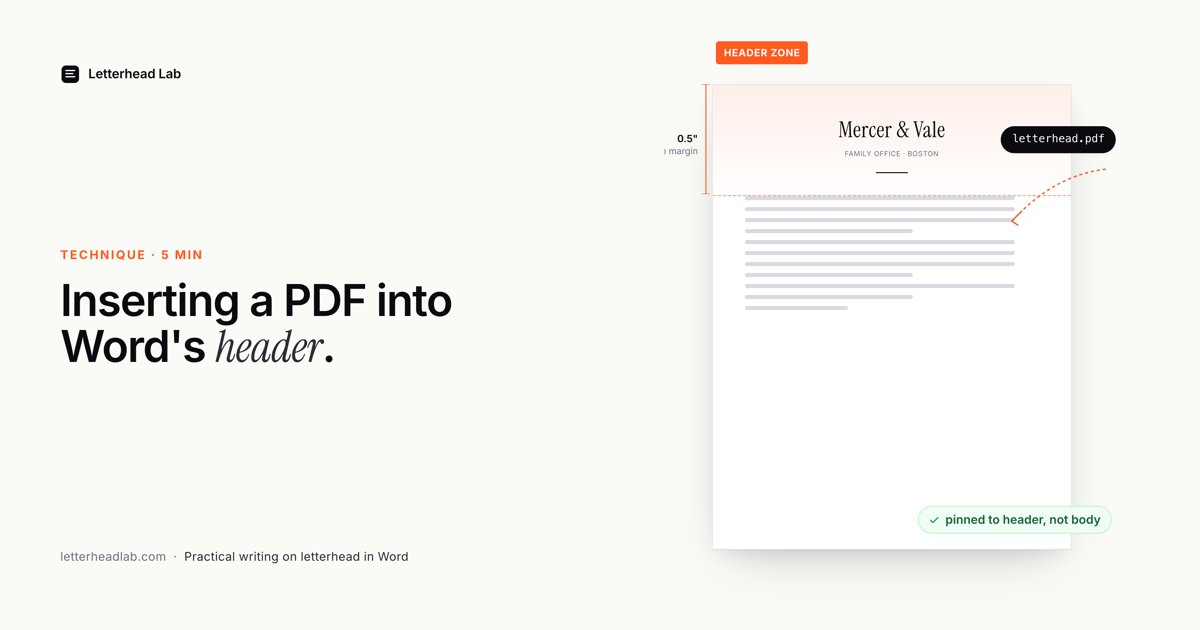
How to insert a PDF into a Word header (the right way)
Word lets you put an image in the header. The obvious workflow scales it wrong, breaks margins, and corrupts when forwarded. Here's the workflow that actually works.
-
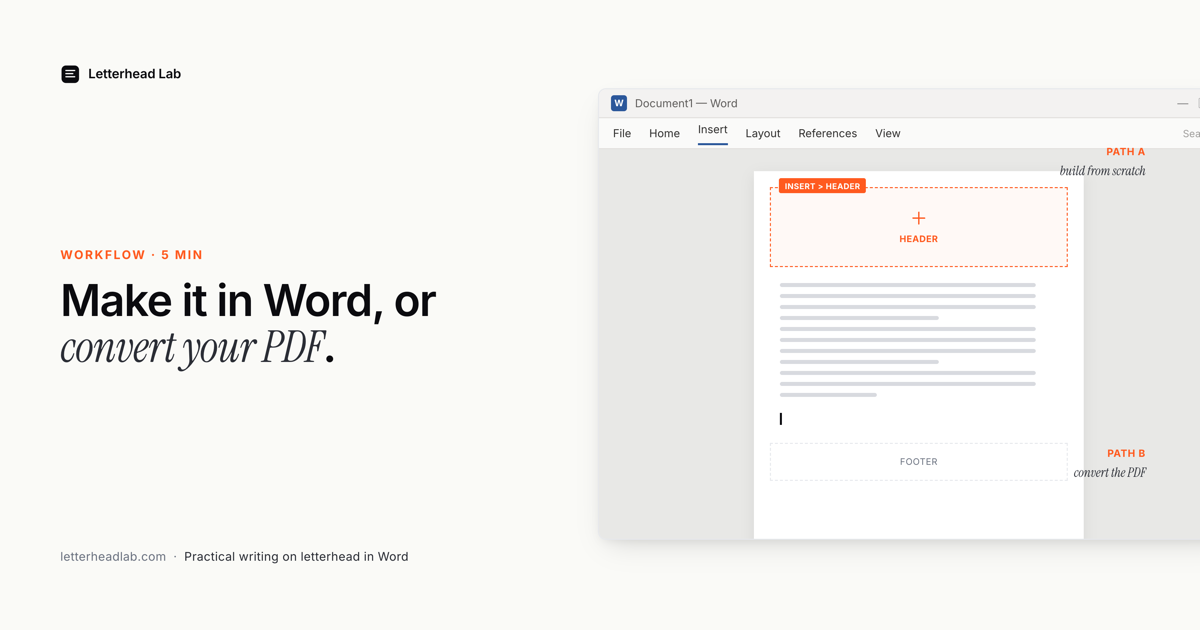
How to create a letterhead in Word (8 steps)
How to create a letterhead in Word, step by step. Set the margins, build the header with your name, address and logo, add a footer, then save it as a reusable .dotx template. Also covers Word's built-in templates, Mac, first-page-only letterheads, and what to do if you already have a PDF.