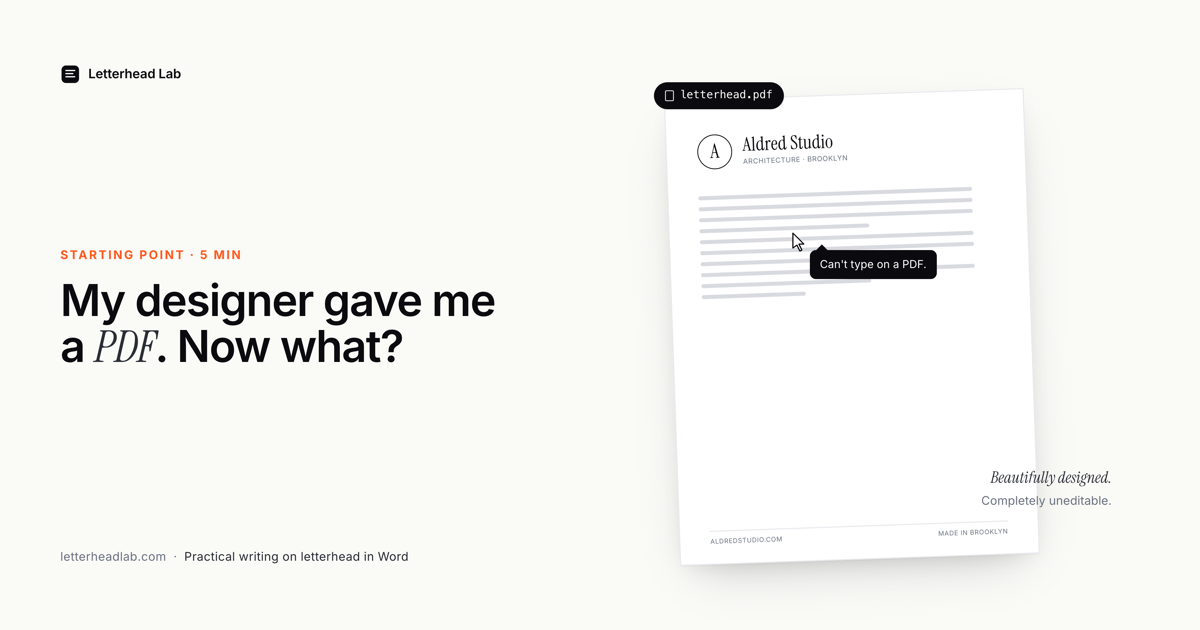
This is one of the most common emails any branding designer gets, somewhere between a week and a month after handing off a finished identity package: "The letterhead looks great, but how do I actually use it to send a letter?"
The designer's answer is usually some version of: "Print it out and write on it," or "Use it as a background image in Word." Both are wrong, and both are why this article exists.
The three usual workarounds (and why they fail)
1. "Just print it and write on it."
Fine for a thank-you note. Not fine for a contract you need to email a client by 5pm. Most modern correspondence happens digitally, then gets printed — or stays digital. Telling a law firm to handwrite onto pre-printed letterhead is the year 1985 calling.
2. "Use the PDF as a background image in Word."
This is what designers say when they're trying to be helpful. The result is consistently terrible:
- The image gets compressed and pixelated.
- The body text floats on top with no awareness of where the letterhead ends.
- Word keeps re-flowing the body and pushing it onto a second page that has no letterhead at all.
- If you email it to a colleague, the image often shifts or disappears entirely.
You end up with letters that look professional 60% of the time and embarrassing 40% of the time, and you can't predict which.
3. "Use a free PDF-to-Word converter."
Smallpdf, ILovePDF, Adobe's online converter — all of these will dutifully convert your designed letterhead. They'll do it by trying to make every element editable. Your logo becomes editable text in the wrong font. Your address block splits into three text frames that overlap. Your monogram gets rasterized at 72 DPI. The result is a Word file that technically opens but visually destroys the design you paid your designer to create.
We wrote a whole page about why generic converters are exactly the wrong tool for this job. Short version: they're trying to do the opposite of what you want.
What you actually want
You want a Word file where:
- The letterhead artwork is locked in place at the top — and/or bottom — of the page.
- The artwork repeats automatically on page 2, page 3, and beyond.
- The body of the letter is a clean, blank space ready for typing.
- Anyone on your team can open the file in their copy of Word and just start typing — no plugins, no fonts to install, no "please don't move that text frame."
- It looks identical when forwarded.
Word actually has native support for exactly this. It's called the header and footer. Anything you put in the header repeats on every page automatically. The body of the document flows around it. Word has supported this since the 1990s.
The trick — and the reason this article exists — is that getting your designed PDF letterhead into the Word header is genuinely tedious. It involves cropping the PDF in Acrobat, exporting the top portion as a high-res PNG, opening Word, going to Insert → Header → Edit Header, inserting the image, getting the dimensions right, doing the same for the footer, setting margins so the body doesn't collide with the artwork, and saving. If you do it once, it takes about 45 minutes. If you do it again next year because the letterhead got refreshed, you do the whole thing over.
The shortcut
That's the entire reason Letterhead Lab exists. You drop in your designer's PDF, adjust the crop with a couple of sliders, and convert it straight to a Word .docx with the artwork already locked into the header and footer. About 60 seconds.
If several people will write on it, convert the PDF letterhead to a reusable Word template so every letter starts from the same file.
The conversion runs entirely in your browser — we never see your PDF — so it's safe even for confidential letterheads. Free preview; you only pay if you want to download the file.
What about the next version of your letterhead?
If your designer updates your letterhead in 18 months, you do this again. Drop in the new PDF, get the new .docx, swap it in. Beats redoing 45 minutes in Acrobat and Word.
And if you're someone with multiple letterheads — personal, family office, business, board — that's a common pattern for a family office converting its letterhead, and the foundation grant-letter workflow shows how the separate identities stay distinct. If you run a practice rather than a household, the law firm letterhead guide covers the same ground for legal correspondence.
Frequently asked questions
- Can I edit the letterhead after converting it?
The artwork is locked into Word's header and footer so it can't be nudged out of place by accident. The body of the letter is fully editable — that's where you type. If the design itself changes, you reconvert the new PDF.
- Does my designer need to send anything other than the PDF?
No. A single print-ready or screen PDF of the letterhead is all the converter needs. If your designer only sent an Illustrator or Photoshop file, ask them for a PDF export — most will provide one on request.
- Is my letterhead PDF uploaded anywhere?
No. The conversion runs entirely in your browser. The PDF never reaches our servers — only Stripe sees your email and payment if you buy.